Enterprise SSD vs HDD: Making the Right Storage Choice
Enterprise Storage Is Different
Consumer drives from Best Buy are designed for light desktop use — a few hours per day, moderate write loads, and a 3-year lifespan. Enterprise drives are built for 24/7 operation in servers and data centers with dramatically higher endurance and reliability. If you're building a server, NAS, or storage array, enterprise drives are the only sensible choice.
At GIGDATA, we specialize in enterprise storage. This guide helps you navigate the options.
Interface Types: SAS vs SATA vs NVMe
SAS (Serial Attached SCSI)
SAS is the enterprise standard. Key advantages over SATA:
- Dual-port — Two independent data paths for failover and multipath I/O
- Full-duplex — Simultaneous read/write (SATA is half-duplex)
- Higher reliability — 1.6M hours MTBF vs 1.0M for SATA
- Better error handling — End-to-end data integrity with T10 DIF
SAS drives come in 12Gbps (SAS-3) and 6Gbps (SAS-2) variants. Most modern servers support both. Browse SAS drives →
SATA (Serial ATA)
SATA is the consumer standard but also exists in enterprise form. Enterprise SATA drives have better endurance ratings than consumer models but lack the dual-port and full-duplex capabilities of SAS. They're a good budget option when multipath isn't needed.
NVMe (Non-Volatile Memory Express)
NVMe connects directly to the PCIe bus, bypassing the SAS/SATA controller entirely. This delivers dramatically lower latency and higher IOPS:
- IOPS: 500,000+ (vs 100,000 for SAS SSD, 200 for HDD)
- Latency: <100 microseconds (vs 200μs for SAS SSD)
- Bandwidth: 3-7 GB/s (vs 1.2 GB/s for SAS)
NVMe requires a compatible server (Dell R640/R740 and newer, or PCIe adapter). It's the best choice for databases, boot drives, and any latency-sensitive workload.
SSD vs HDD: When to Use Each
Use Enterprise SSDs When:
- Running databases (PostgreSQL, MySQL, SQL Server)
- Hosting virtual machines (VMware, Proxmox)
- Serving web applications with high I/O
- Boot drives (always use SSD for OS)
- Any workload where latency matters
Use Enterprise HDDs When:
- Bulk file storage (media, backups, archives)
- Cold storage and infrequent access data
- Object storage (S3-compatible services)
- Budget-constrained large capacity needs
- RAID arrays where capacity trumps speed
Understanding SSD Endurance Ratings
Enterprise SSDs are rated in DWPD (Drive Writes Per Day) — how many times you can write the full drive capacity per day over the warranty period:
- Read-Intensive (0.5-1 DWPD): Best for read-heavy workloads like web servers, file shares, and boot drives. Most cost-effective option.
- Mixed-Use (3 DWPD): Good all-around option for databases, VMs, and general server use.
- Write-Intensive (10+ DWPD): For write-heavy workloads like caching, logging, and transaction processing.
For most home labs and small business servers, a read-intensive or mixed-use SSD is the right choice. Write-intensive drives cost significantly more and are only justified for extreme write workloads.
RAID Considerations
Common RAID Levels
| RAID Level | Min Drives | Fault Tolerance | Best For |
|---|---|---|---|
| RAID 1 | 2 | 1 drive failure | Boot drives, small deployments |
| RAID 5 | 3 | 1 drive failure | Read-heavy with good capacity |
| RAID 6 | 4 | 2 drive failures | Large arrays, critical data |
| RAID 10 | 4 | 1 per mirror pair | Databases, write-heavy workloads |
Don't Mix SSDs and HDDs in the Same RAID
A RAID array is only as fast as its slowest drive. Mixing SSDs and HDDs negates the SSD performance advantage. Use separate RAID groups for each type.
RAID Controllers
For Dell PowerEdge servers, the PERC H740P or H750 controllers support hardware RAID with battery-backed cache for data protection. Always use a quality RAID controller with enterprise drives. Browse RAID controllers →
Popular Enterprise Drive Recommendations
SSDs
- Samsung PM893 (SATA) — Excellent read-intensive enterprise SSD. Available in 480GB to 3.84TB.
- Intel S4610 (SATA) — Mixed-use with 3 DWPD. Great all-around option.
- Micron 5300 Pro (SAS/SATA) — High endurance, widely used in enterprise.
- Samsung PM1733 (NVMe) — Blazing fast PCIe Gen 4 enterprise NVMe.
HDDs
- Seagate Exos X18/X20 (SAS) — 18-20TB enterprise capacity drives. Ideal for bulk storage.
- HGST Ultrastar HC550 (SAS) — Excellent reliability ratings. Data center proven.
- Toshiba MG09 (SAS) — Good value enterprise drive in the 18TB class.
Cost Per TB Comparison
As of 2026, approximate pricing for enterprise drives:
- Enterprise NVMe SSD: $80-$120 per TB
- Enterprise SAS SSD: $60-$100 per TB
- Enterprise SATA SSD: $40-$80 per TB
- Enterprise SAS HDD: $15-$25 per TB
HDDs still offer 4-8x better cost per TB, making them essential for large-capacity needs.
Shop Enterprise Storage
We carry a full range of enterprise SSDs, HDDs, NVMe drives, and RAID controllers. All drives are tested and verified before shipping.
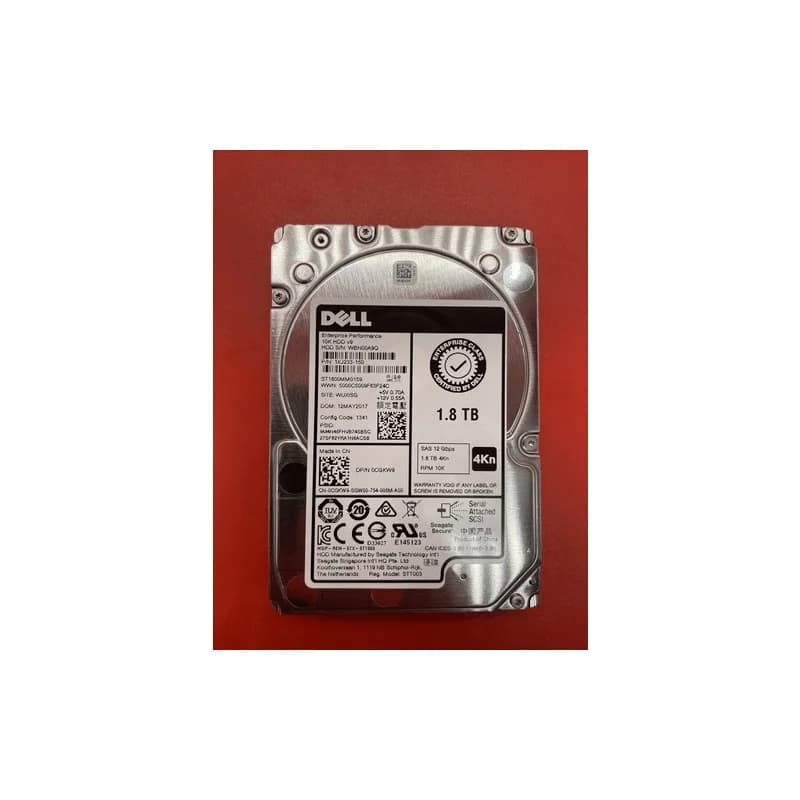
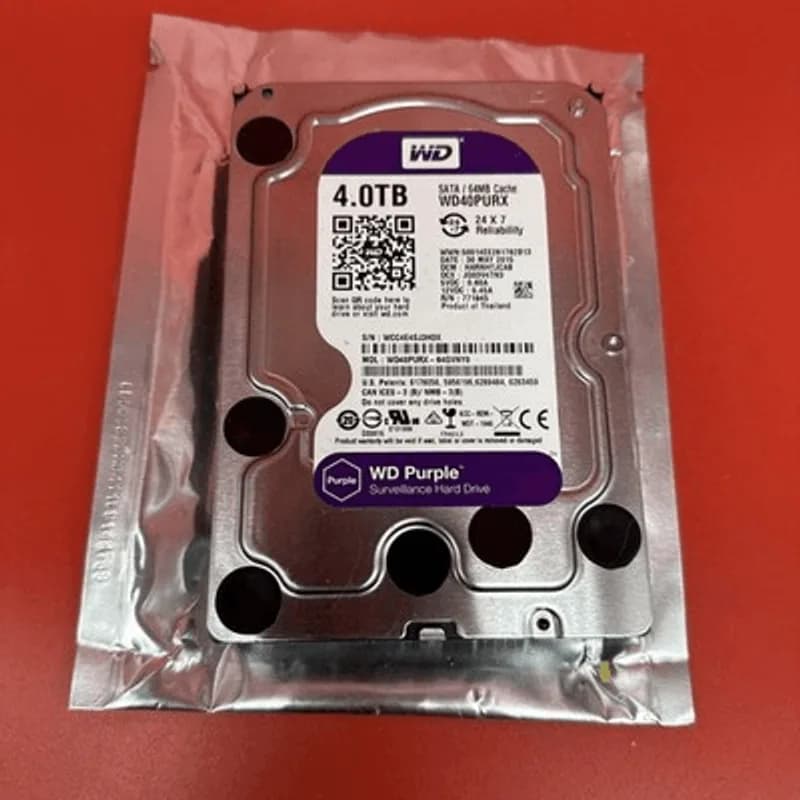
Shop Related Gear
In-stock hardware from our store related to this guide.